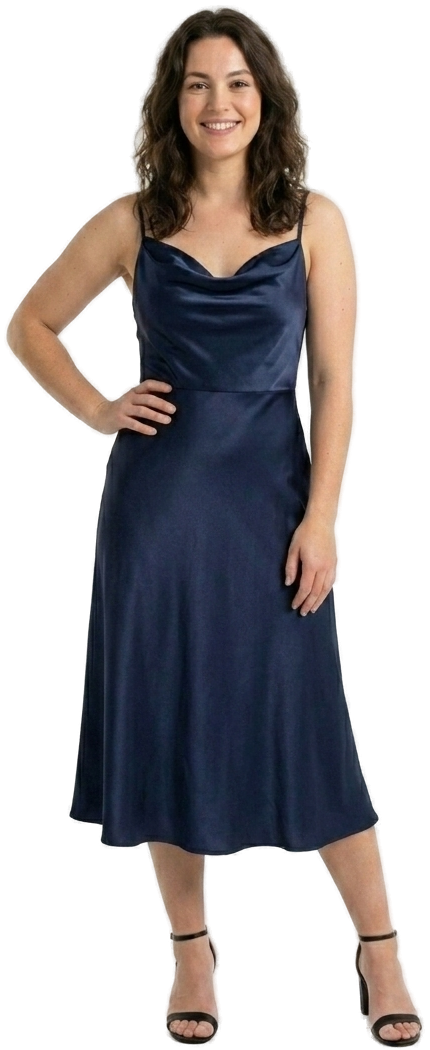
Not sure how it'll look?
Shoppers see your clothes on their own body, and the size that fits, without leaving your page.
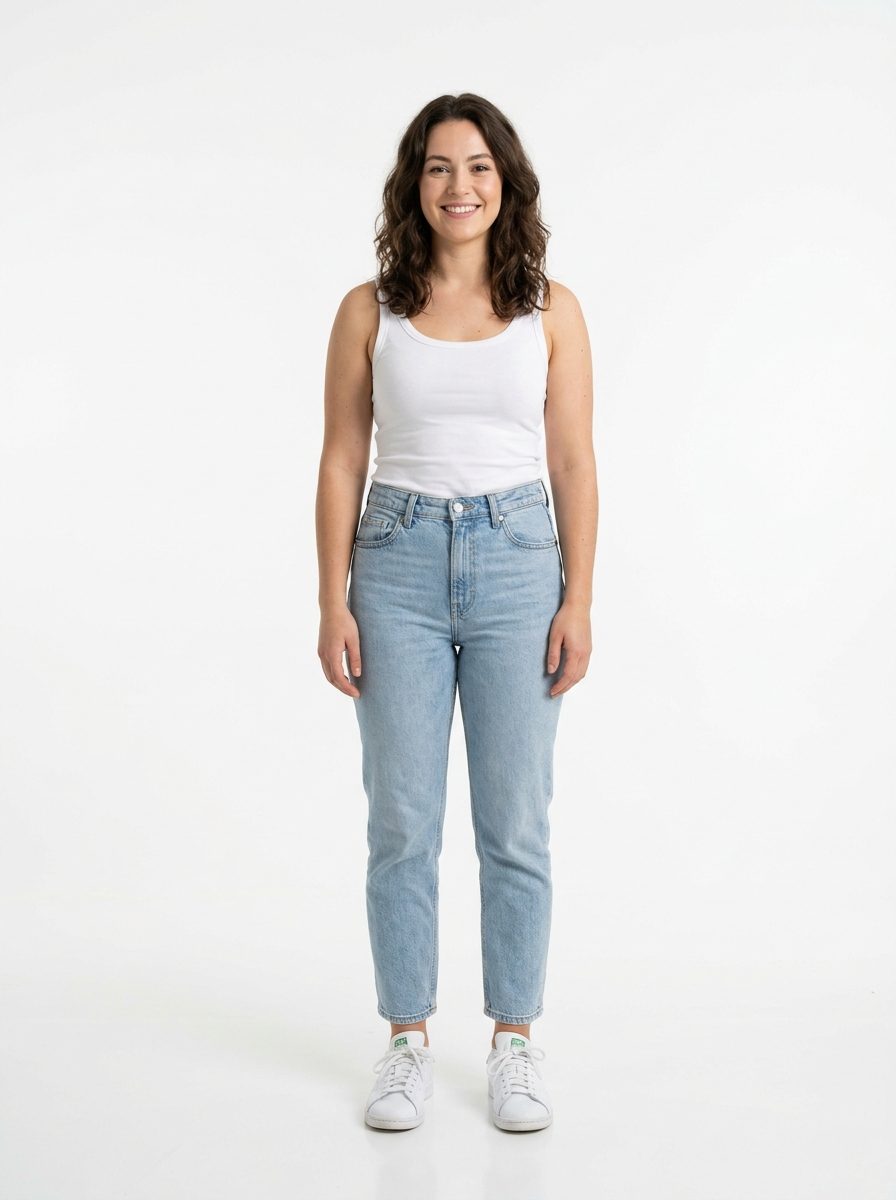
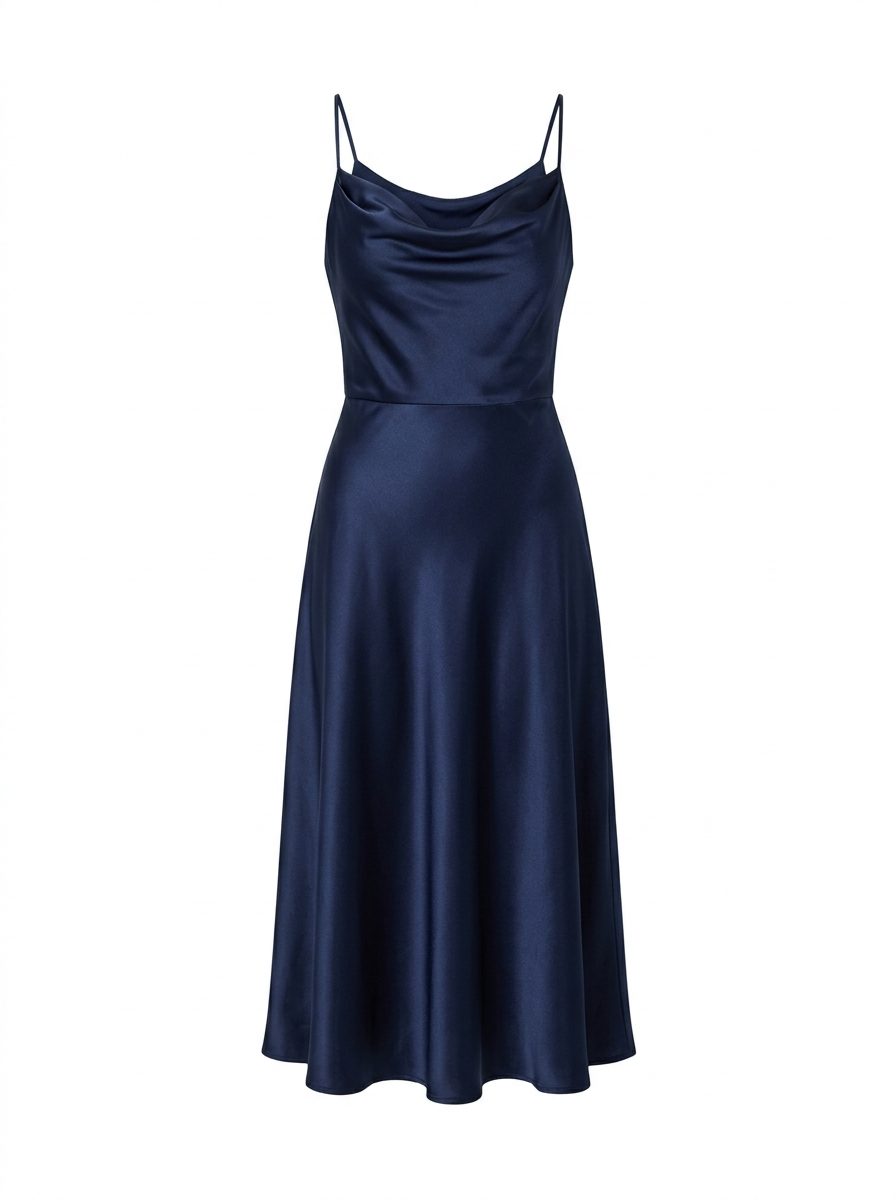
The exact flow on your product page.
One script tag. The button is on your page.
They add one photo.
See your try-on
Photo added ✓About 20 seconds.
See your try-on
Them, wearing it.
See your try-on
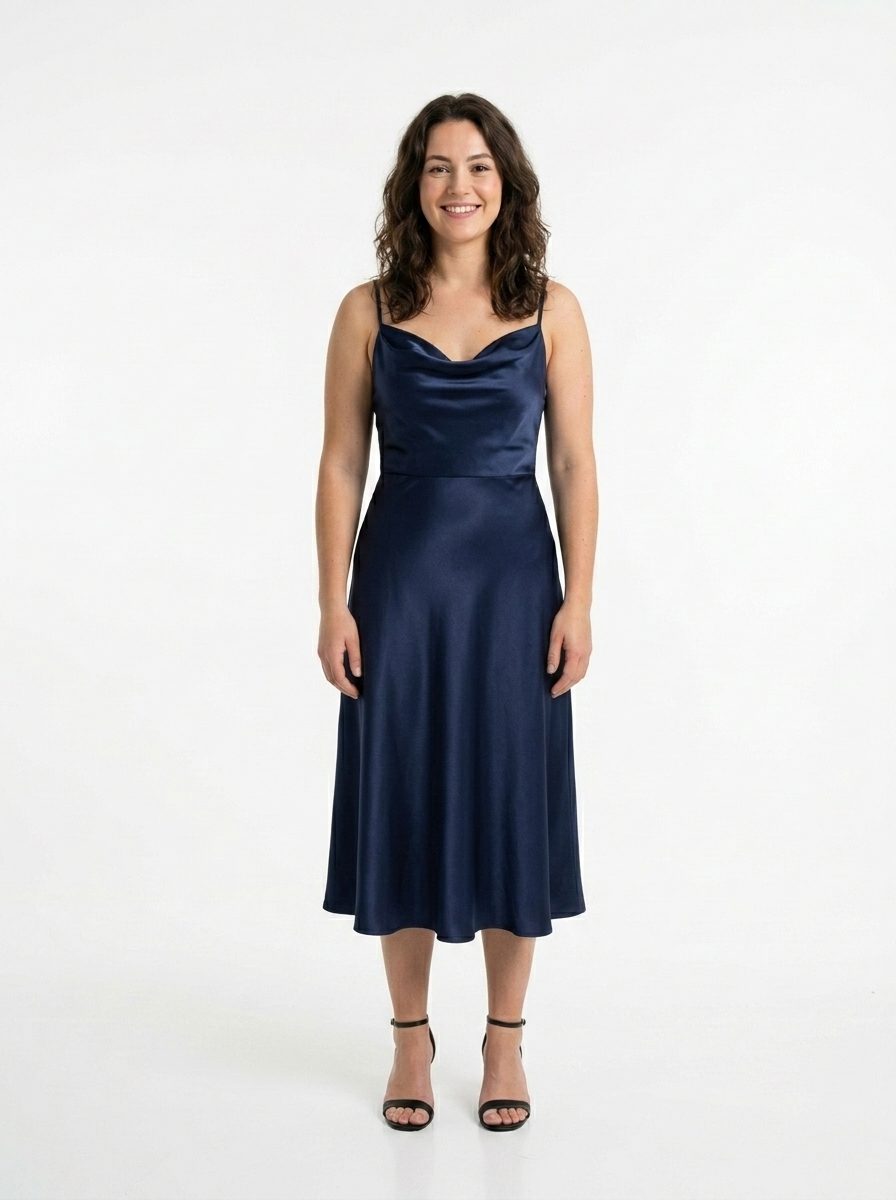
And the size that fits.
See your try-on
Fits right in the bust and waist. A little loose at the hips.
Add to cart. Tracked.
Two photos. A measurement profile. About 30 seconds.
Height first.
What's your height?
We use it to scale your photos.
A guided front photo.
Front photo · 1 of 3
- Face the camera
- Arms slightly out
- Full body in frame
Then a side photo.
Side photo · 2 of 3

- Turn fully sideways
- Arms relaxed at your sides
- Full body in frame
30 seconds later: body measurements.
Their measurements
Saved to their profile.
+ more
Bad lighting, baggy clothes, or a second person in frame gets caught right away.
SIZE CHARTS IN. GUESSWORK OUT.
| Size | Chest | Waist | Hip |
|---|---|---|---|
| S | 92 cm | 76 cm | 94 cm |
| M | 98 cm | 82 cm | 100 cm |
| L | 104 cm | 88 cm | 106 cm |
| XL | 110 cm | 94 cm | 112 cm |
Upload a chart photo and Spequlo turns it into structured measurements.
Shopper measures: chest 97 · waist 80 · hip 99 cm
Fits right in the chest and waist, with room in the hips. This is the one.
The whole funnel, in your dashboard, joined to your products.
0
Widget impressions
widget_load
0
Try-on intents
try_on_intent
0
Try-ons generated
completed
0
Add-to-carts after try-on
purchase_intent
0%
fewer size-related returns
0.5×
higher conversion after a try-on
$0
attributed cart value (demo period)
Try the shopper experience yourself at spequlo.com/demo/try-on
(fin)